Pitches and Presentations

Presentations and Pitches that Win the Room.

Showcase your value with visually stunning, on-brand presentations powered by AI templates and rich graphics that help you build confidence and close faster.
Presentations and pitches that win the room

Results That Impact Your Win Rate and Revenue

25 %

More Pitches Delivered after Automating Bios, Case Studies, and Branded Slides.

3 X

Faster from First Draft to Final Deck with QorusDocs Smart Layouts and Templates.

81 %

Of Users Report a Positive Impact on RFP Win Rates.

Automation that elevates every presentation

Work Smarter

Keep Every Slide On-Brand and Client-Ready

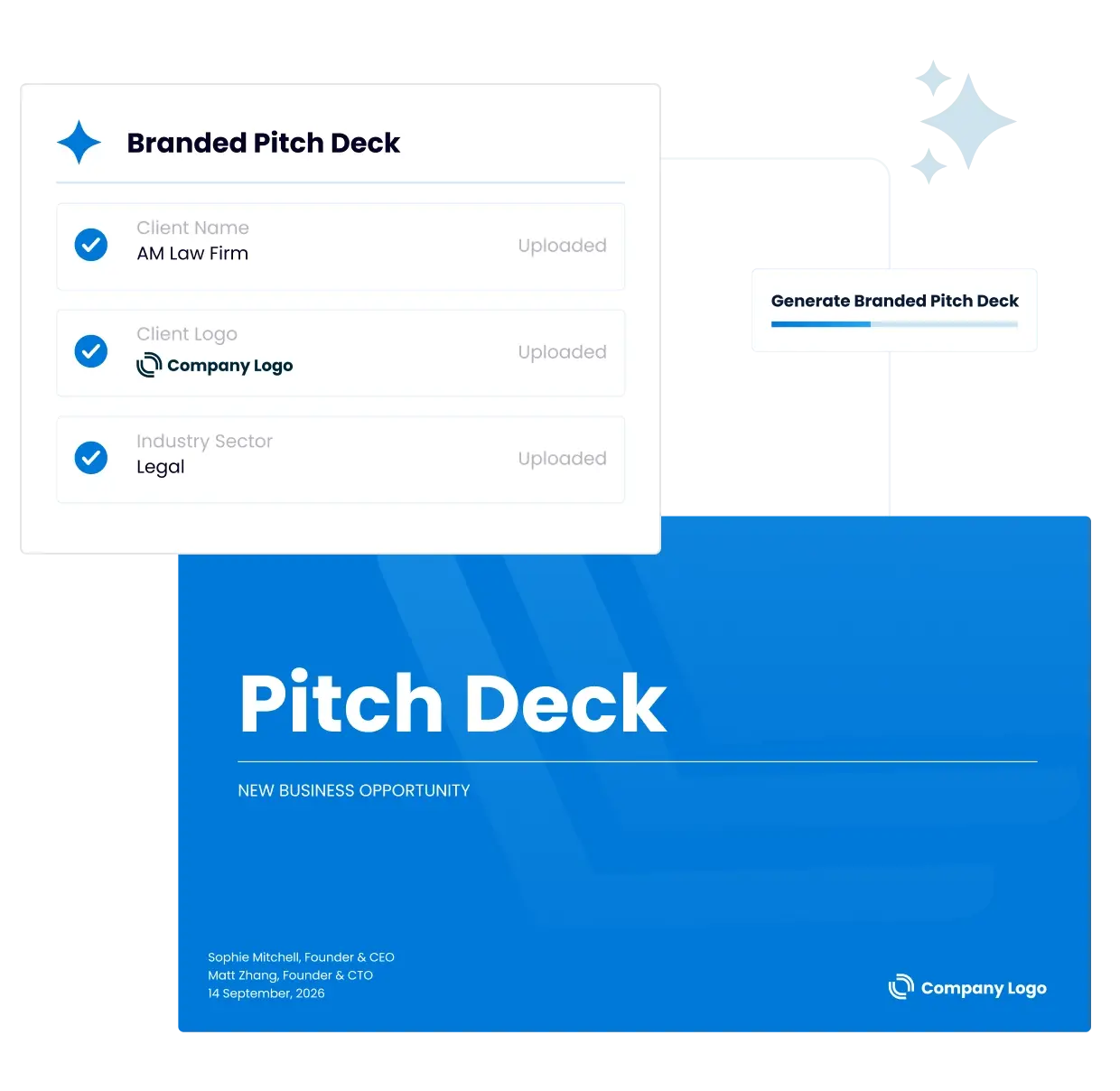
QorusDocs’ AI for pitches and presentations apply your firm’s brand standards so every slide looks polished and consistent. No manual formatting, just professional presentations your team delivers with confidence.
Automate

Instantly Personalize with Up-to-Date Content

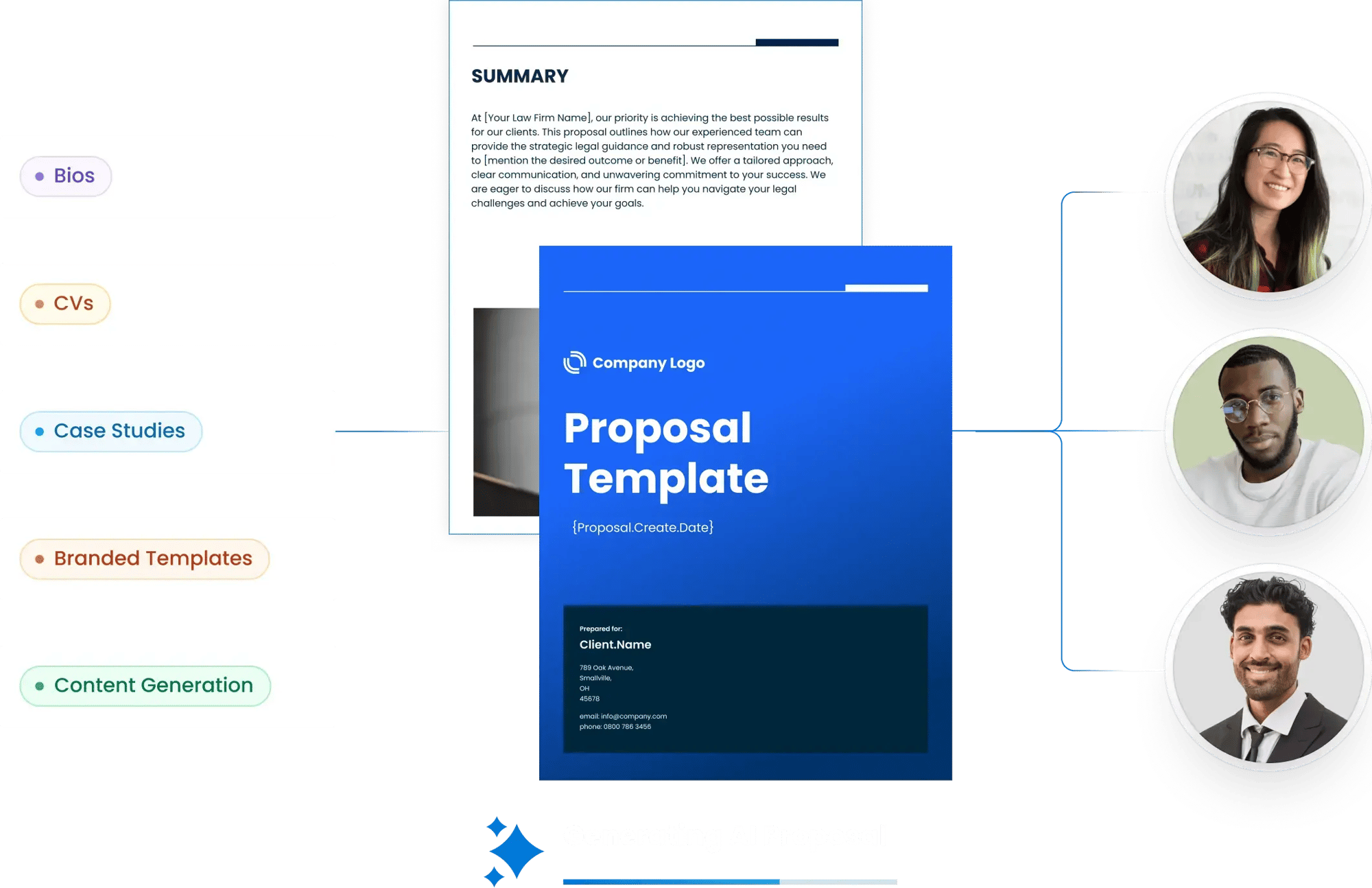
Our AI-powered search instantly finds and inserts attorney bios, consultant resumes, case studies, and project sheets from your approved library, keeping every deck accurate, compliant, and tailored to each client.
icon_bar-chart-square-up

Build Compelling, Value-Driven Narratives Faster

From first draft to final delivery, QorusDocs AI for pitches and presentations helps you craft a compelling story by suggesting slides, refining content for impact, and integrating value proof points so you can focus on strategy and winning the room.

See how QorusDocs Powers Every Presentation

Visually compelling and on brand

Visually Compelling, On-Brand Slides

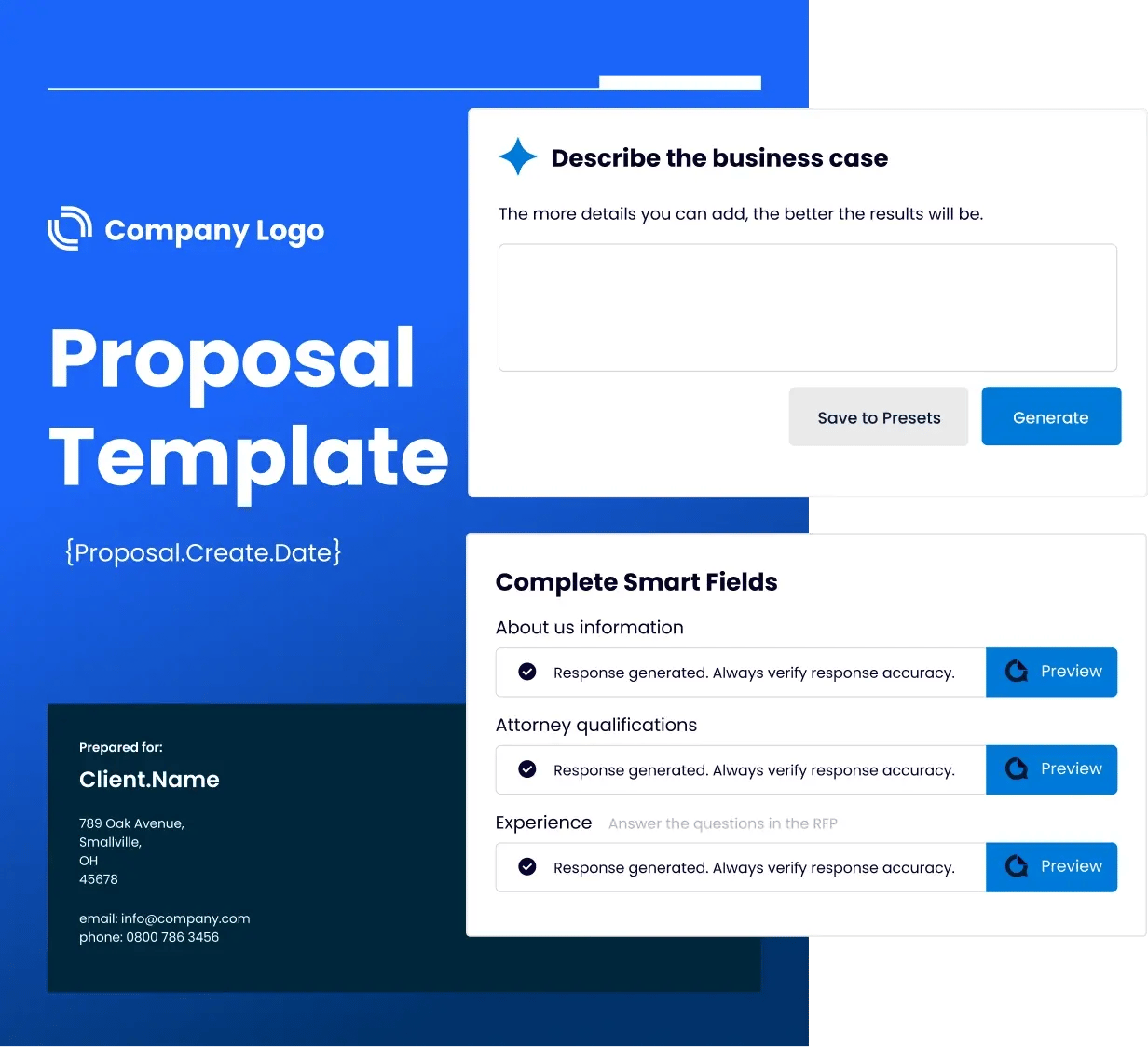
QorusDocs AI for pitches and presentations apply smart layouts automatically for your firm’s branding—colors, fonts, imagery—so every presentation looks polished and consistent without manual formatting.

Smart Search + AI Templates

Find the perfect slide, image, or content block instantly. AI-powered smart search works inside PowerPoint and other Microsoft 365 apps, while AI templates jumpstart your deck with pre-built layouts tailored to your audience.

From Business Case to Presentation in One Click

Transform your previous experience into client-ready presentation decks. Maintain the same financial credibility and visual impact while reducing creation time.
Presentation Pursuits

Speciality Skills for Professional Services

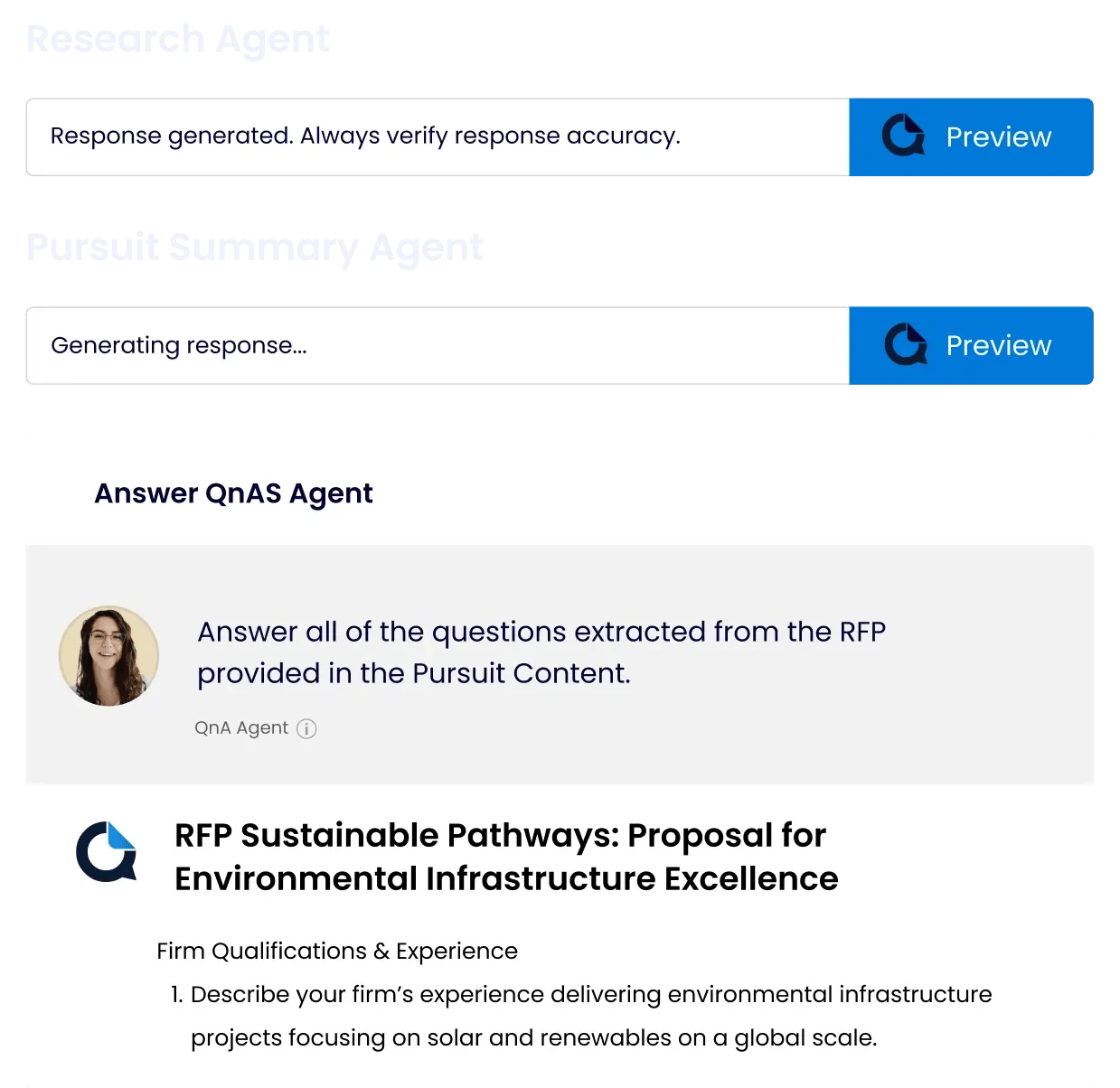
Leverage industry-specific AI agents to generate experience summaries, project sheets or client-tailored slides in seconds. From attorney bios to consultant resumes and case studies, QorusDocs makes personalization easy.
Collaboration on pitch decks

Seamless Collaboration in Microsoft 365

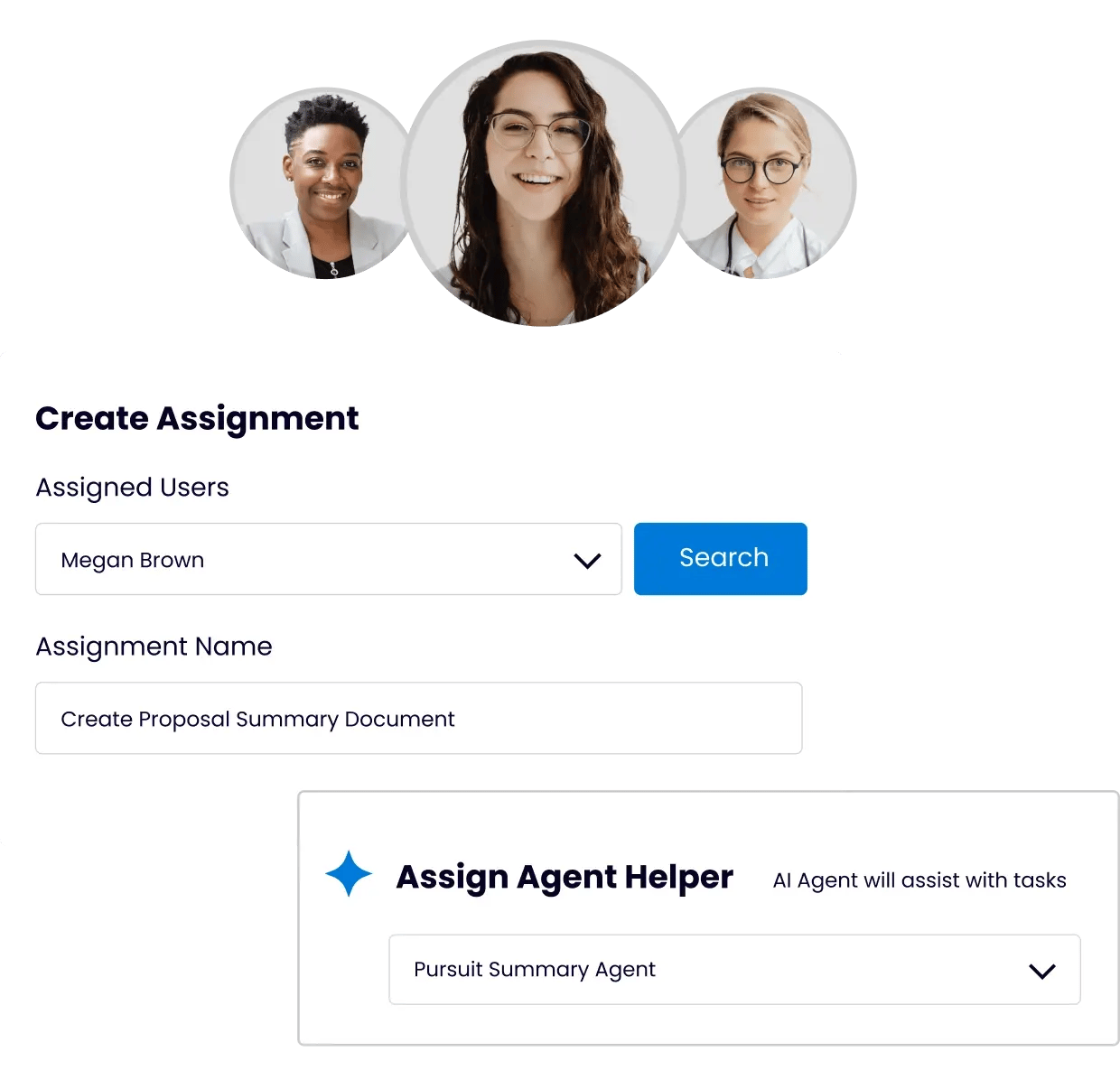
Work together in real time with the ability to co-author, comment, and edit directly in PowerPoint or Teams. Centralized, approved content ensures everyone works from the same trusted materials, no matter where they are.

Presentations That Close the Deal

"QorusDocs has been critical to the success of our team members working on pitches. We’ve been able to increase productivity and connect our activity to outcomes. And with better data, we can understand and improve our assignment process, content needs, and the variation of requirements across our global offices."

Angelina G.

Senior Executive, Top-Tier Law Firm Pitch Team
Law Firm Executive

Ready to win more pitches with AI?

Book a quick, personalized demo to see how QorusDocs AI for pitches and presentations helps your team respond faster and win more business.

From Draft to Client-Ready

QorusDocs AI for pitches and presentations ensures your pitches and presentations are accurate, on-brand, and tailored for professional services.
icon_check-circle-white

Apply smart layouts for visually compelling, brand-perfect slides.

icon_check-circle-white

Use AI templates and prompts built for pitches, proposals, and value presentations.

icon_check-circle-white

Convert valuable experiences directly into client-ready decks.
Smarter Proposals
The QorusDocs Platform

One Platform, From Value Story to Winning Presentation

Purpose-built for professional services, QorusDocs AI for pitches and presentations combines business case creation, proposals, pitches, and presentations in a single AI-powered workflow. Quantify value, showcase experience, and deliver on-brand materials that win clients, faster and with less effort.

FAQs About QorusDocs for Presentations and Pitches

What is AI pitch software?

AI pitch software helps teams build client-ready presentation decks faster by automating the most time-consuming parts of the process. That includes finding and inserting approved bios, case studies, and project experience, applying brand-consistent layouts, and helping craft value-driven narratives tailored to each client. QorusDocs does this directly inside PowerPoint, so the output is a polished, on-brand deck ready for the room without manual reformatting or content hunting.

How is QorusDocs different from using AI tools like ChatGPT or Claude to build pitches?

General AI tools can help draft pitch narrative, suggest structure, and speed up writing. What they cannot do is pull your firm's actual approved bios, current matter experience, verified case studies, and brand-approved slide layouts into a formatted PowerPoint deck. QorusDocs uses QPilot agents that are purpose-built for this work, connecting AI drafting to your governed content library, your brand standards, and your Microsoft 365 environment. The output is a polished, accurate, on-brand pitch deck rather than a draft that requires significant additional formatting and verification before it is client-ready. For professional services firms where every pitch reflects on the firm's reputation, that difference between generated content and a governed, client-ready document matters every time.

Which industries is QorusDocs pitch software built for?

QorusDocs is purpose-built for professional services, with particular strength in legal, consulting, AEC, and technology services. For law firms, that means pitch decks, panel pitches, capability statements, and experience summaries built around attorney bios, matter history, and practice area credentials. For consulting and professional services firms, it means client pitches, executive presentations, and pursuit decks built around project experience, team credentials, and value narratives. Templates and workflows are tailored to each vertical rather than adapted from a generic sales presentation tool.

How does QorusDocs handle pitch personalization for each client?

QPilot agents surface the most relevant bios, case studies, experience summaries, and project sheets from your approved content library and insert them into the right places in the deck automatically. Agents adapt tone and refine messaging to align with each client's context and needs, so the pitch feels tailored rather than templated. Teams can customize further without starting from scratch. The result is pitches that feel genuinely client-specific without the hours of manual assembly that typically make that level of personalization impractical at volume. Law firms using QorusDocs have reported a 25% increase in pitches delivered after automating this process, which reflects what happens when personalization stops being a bottleneck and becomes a repeatable part of the workflow.

How does QorusDocs keep pitch decks on-brand across a large team?

Smart layouts apply your firm's brand standards automatically, covering colors, fonts, imagery, and slide structure, so every deck looks consistent regardless of who built it or which office it came from. Role-based permissions control which content is available to which teams, and approval workflows ensure that only vetted, current content reaches clients. For firms with multiple offices, practice groups, or geographies, this governance is what makes brand consistency achievable at scale rather than aspirational.

How does QorusDocs pitch software work with Microsoft 365?

QorusDocs works natively inside PowerPoint, which means teams build, edit, and finalize pitch decks in the tool they already use rather than exporting from a separate platform. Content from your approved library is accessible directly in the PowerPoint sidebar. Smart layouts apply automatically. The final deck is a properly formatted PowerPoint file, not a PDF export or a web-based presentation that needs conversion before the meeting.

Ready to Deliver Presentations with Confidence?