What does QorusDocs do for proposal managers specifically?
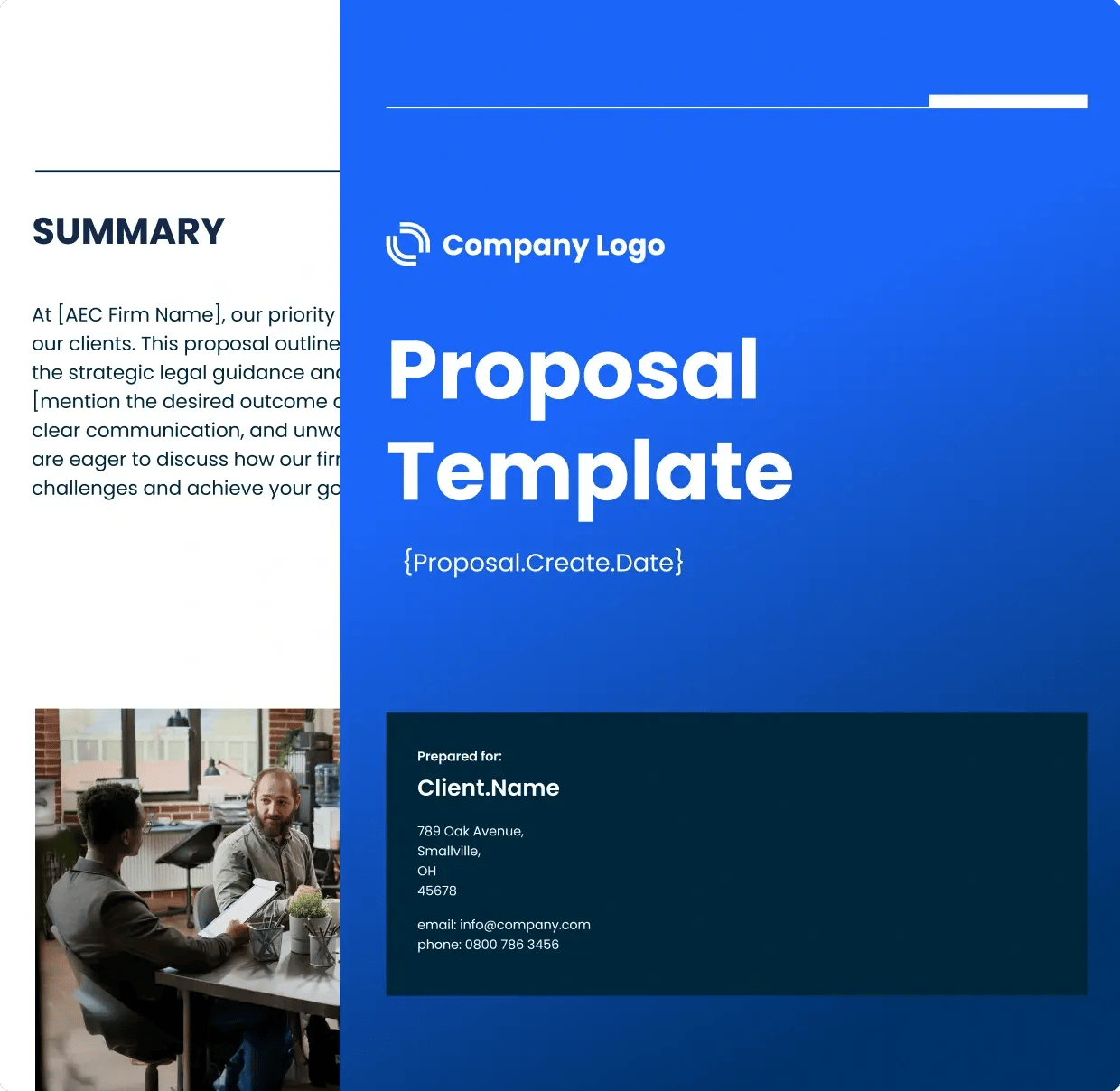
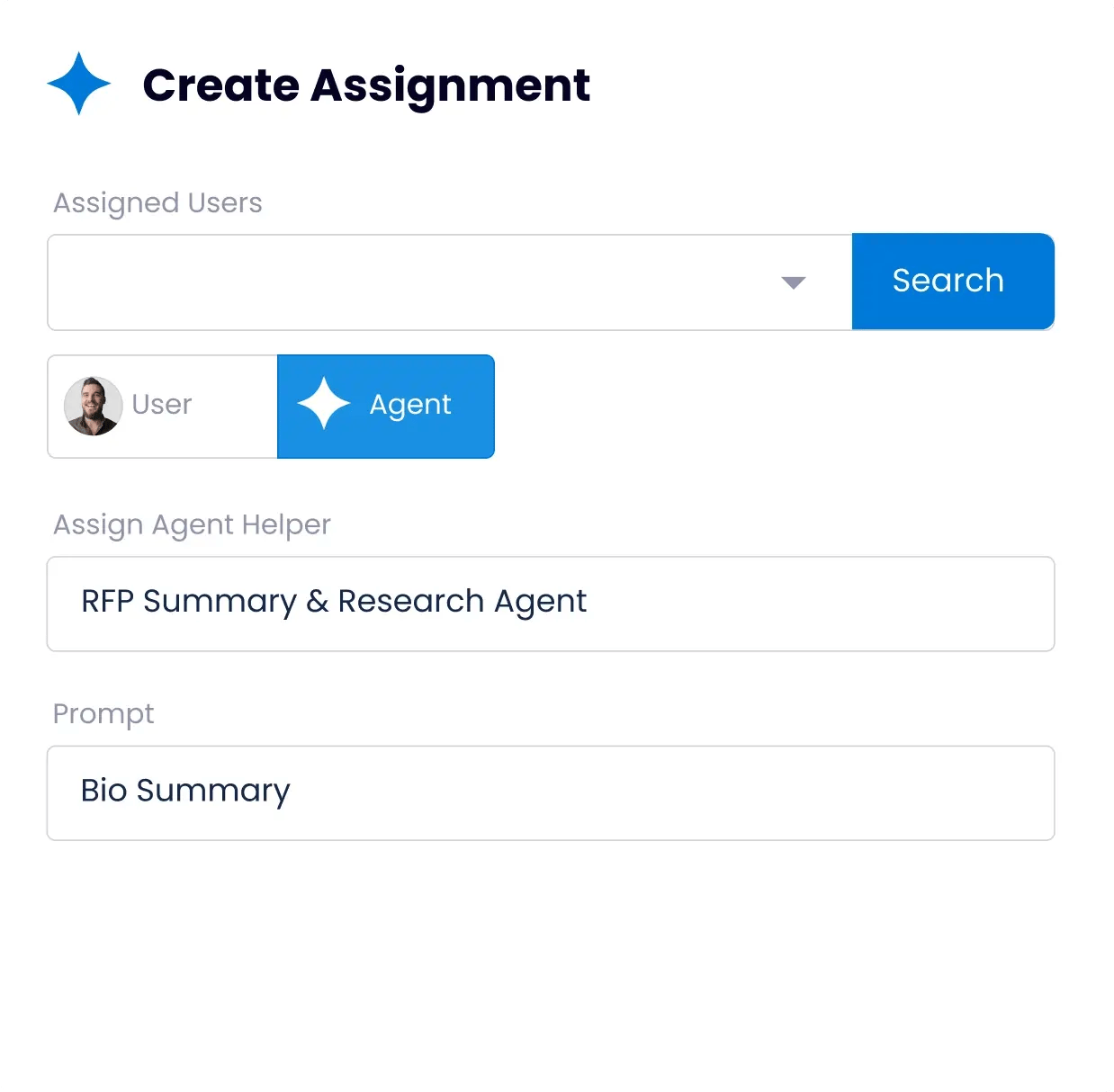
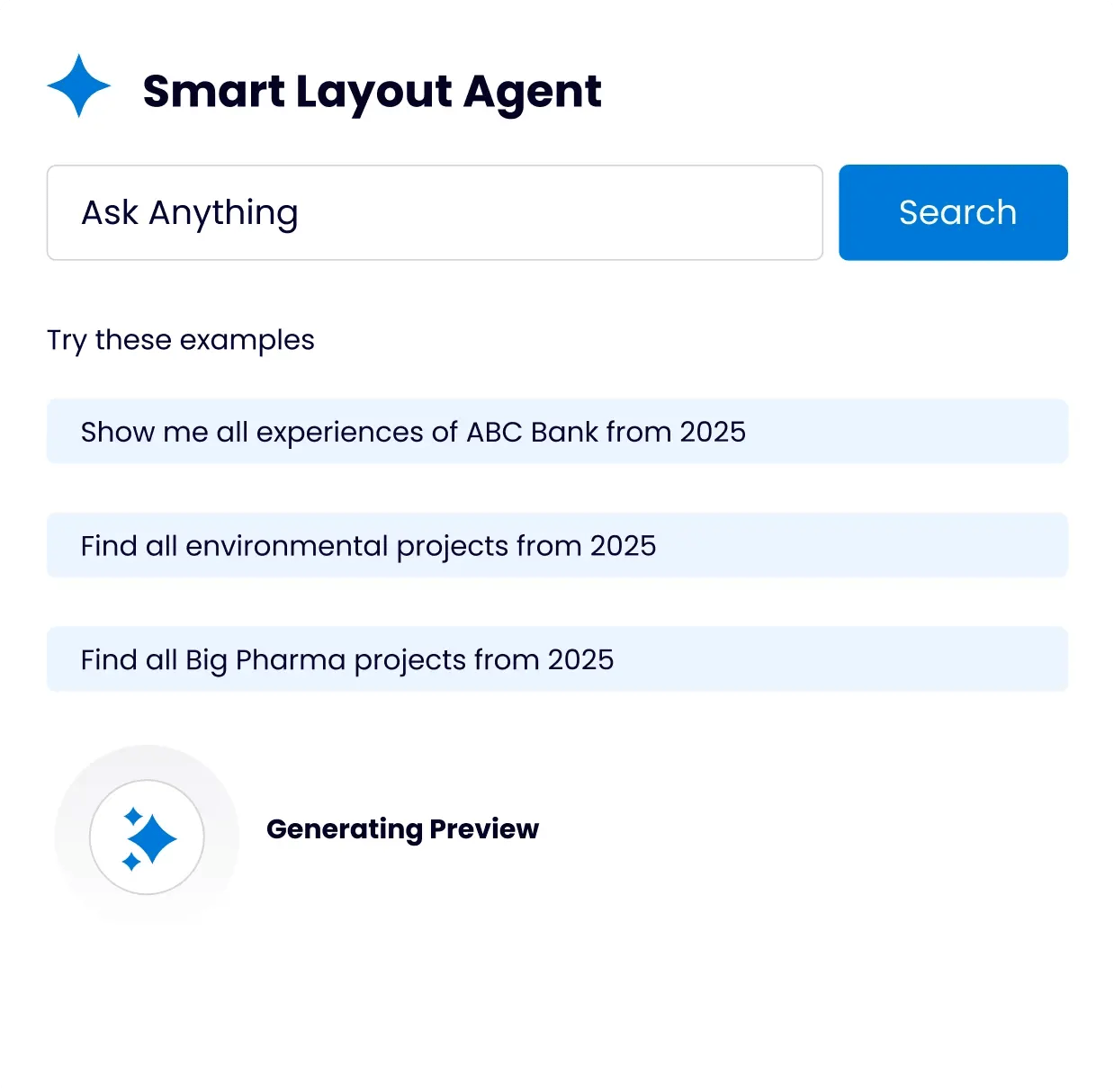
QorusDocs is purpose-built around the way proposal managers actually work. QPilot agents read incoming RFPs, map requirements, surface the best approved answers from your content library, and generate first drafts automatically. Smart Layouts apply brand styles in Word and PowerPoint so the first draft looks final rather than raw. The Pursuits workspace manages tasks, deadlines, approvals, and SME assignments in one place. The goal is to take the coordination burden off proposal managers so they can focus on the strategic and narrative work that actually improves win rates, not the administrative overhead that consumes most of the day.
How does QorusDocs solve the SME bottleneck?
Delays from subject matter experts are the top challenge for proposal teams, cited by 48% of respondents in the 2026 QorusDocs Benchmark Report. QorusDocs addresses this in two ways. First, QPilot agents draft SME-dependent sections automatically from approved content, so the ask to the SME is to review and refine rather than create from scratch, which dramatically reduces the time and effort required. Second, the Pursuits workspace automates assignment, reminders, and deadline tracking so proposal managers are not manually chasing input across email and chat. When SMEs know exactly what is needed, when it is due, and how much has already been drafted for them, response times improve substantially.
How does QorusDocs handle high proposal volume without burning teams out?
The fundamental problem with volume is that most proposal work is repetitive assembly, finding the right content, formatting it correctly, inserting bios and case studies, chasing contributors, rather than the strategic writing that actually differentiates a submission. QorusDocs eliminates the repetitive parts. QPilot agents handle content surfacing, first draft generation, and formatting automatically. Teams using QorusDocs report 72% faster completion of RFP responses and 50% less time spent on formatting. That capacity does not disappear, it gets redirected to the pursuit strategy, personalization, and quality review that improve outcomes.
How does QorusDocs maintain content quality and keep the library current?
Content sprawl is the second biggest drag on proposal team efficiency, with 46% of teams reporting excessive time spent locating, updating, and validating content. QorusDocs centralizes all approved content in one governed library with role-based permissions controlling who can publish, edit, and retire material. QPilot agents prefer approved answers over improvised content, flag outdated material when it is surfaced, and highlight restricted terms before they reach the client. Proposal managers set the governance rules once; the platform enforces them automatically across every pursuit.
How does QorusDocs help proposal managers demonstrate the value of the function?
Proposal teams are frequently only noticed when something goes wrong — a missed deadline, a lost bid, an inconsistent submission. QorusDocs gives proposal managers the data to tell a different story. Engagement analytics show how clients interact with proposals after delivery, revealing which sections, content, and messaging resonate. Win and loss tracking ties pursuit outcomes back to the proposal process. Over time, that data builds the case for the proposal function as a competitive advantage rather than an administrative cost center, which matters for team visibility, headcount, and investment in the right tools.
How does QorusDocs work inside Microsoft 365 rather than alongside it?
Most proposal teams already live in Word, PowerPoint, and Teams. QorusDocs is built to work inside those tools rather than requiring teams to move content in and out of a separate platform. Proposals and pitches are drafted, reviewed, and finalized in Word and PowerPoint. Collaboration happens in the Microsoft 365 environment teams already use. The output is a native Word or PowerPoint file, not an export that needs reformatting before it goes to the client. For proposal managers managing multiple concurrent pursuits with contributors across offices, that seamlessness reduces friction at every step of the process.
What does implementation look like, and how quickly can a proposal team get up and running?
Most teams are producing proposals within weeks of onboarding. QorusDocs holds a 95% vendor support satisfaction score from SoftwareReviews, and implementation is designed around the team's actual workflows rather than a generic setup sequence. Proposal managers typically lead the rollout without heavy IT involvement, which reflects how the platform is built to be administered by the people who use it every day. The content migration, template setup, and workflow configuration are handled collaboratively so teams are not starting from a blank slate.