PROPOSAL SOFTWARE

Create Personalized Proposals for Professional Services

Turn approved content, client insights, and proven experience into polished, personalized proposals from Microsoft 365. 
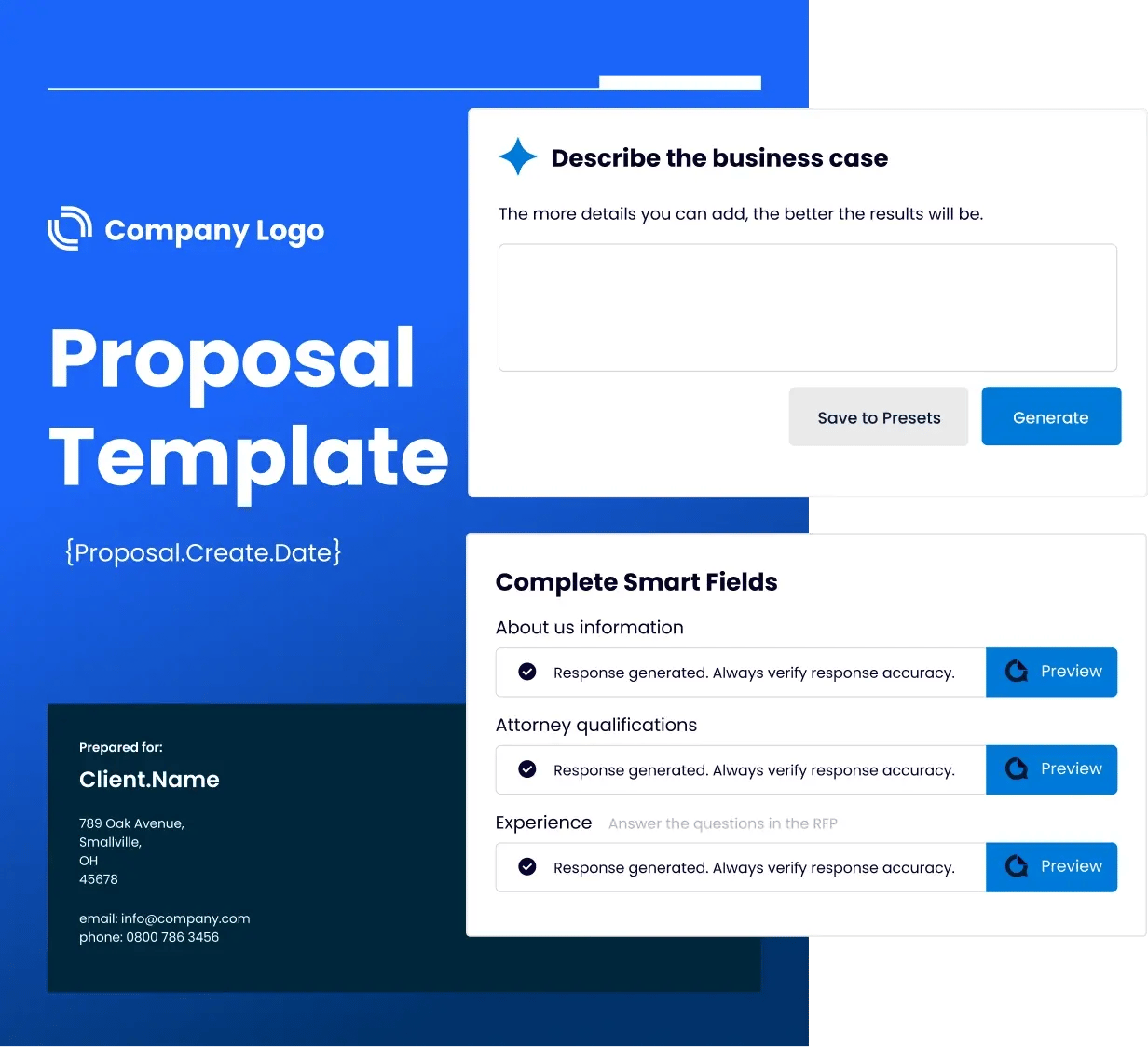
QorusDocs AI proposal software interface

Proven to Deliver Faster, Higher-Quality Wins

72 %

Of organizations complete proposals faster with QorusDocs.

82 %

Users report higher quality proposals after adopting QorusDocs.

86 %

Users report personalization speed and accuracy in proposal creation.

The Smarter Way to Create, Customize, and Win Proposals

Work Smarter

Show your impact in Microsoft 365

Create, edit, and finalize proposals in Word, PowerPoint, and Outlook. Collaborate securely and keep every document aligned to your brand.

Automate

Automate Drafting and Review

Generate polished drafts, bios, and case studies from approved content. AI agents do the heavy lifting such as compliance, freeing your team to focus on strategy.

Showcase Expertise

Showcase Expertise
Instantly

Drop in curated resumes, case studies, and project sheets to prove your credibility. Smart Layouts ensure everything looks on-brand and presentation-ready in minutes.

How QorusDocs Proposal Software Gets it Done.

Auto Draft in Minutes

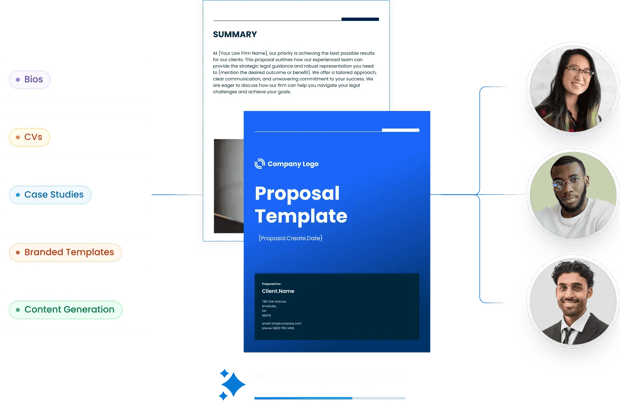
Start every proposal with AI-powered templates and intelligent agents that pull the right content, bios, and case studies from your library, ready for you to fine-tune.
Automated proposal content and smart layouts

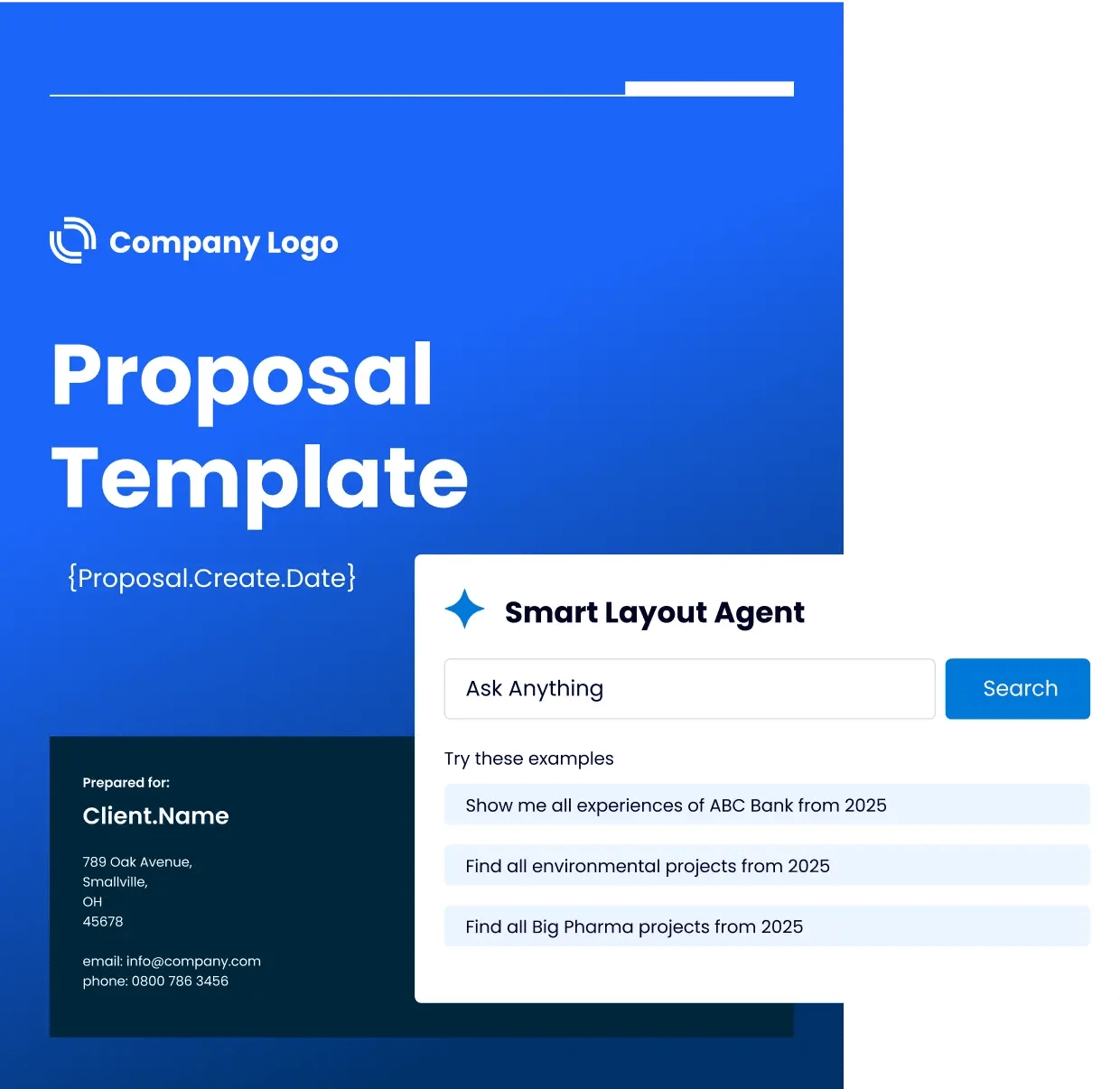
Smart Layouts, Zero Re-Formatting

Drop your content into professional, on-brand layouts that adapt automatically, saving hours of tedious formatting and design work.
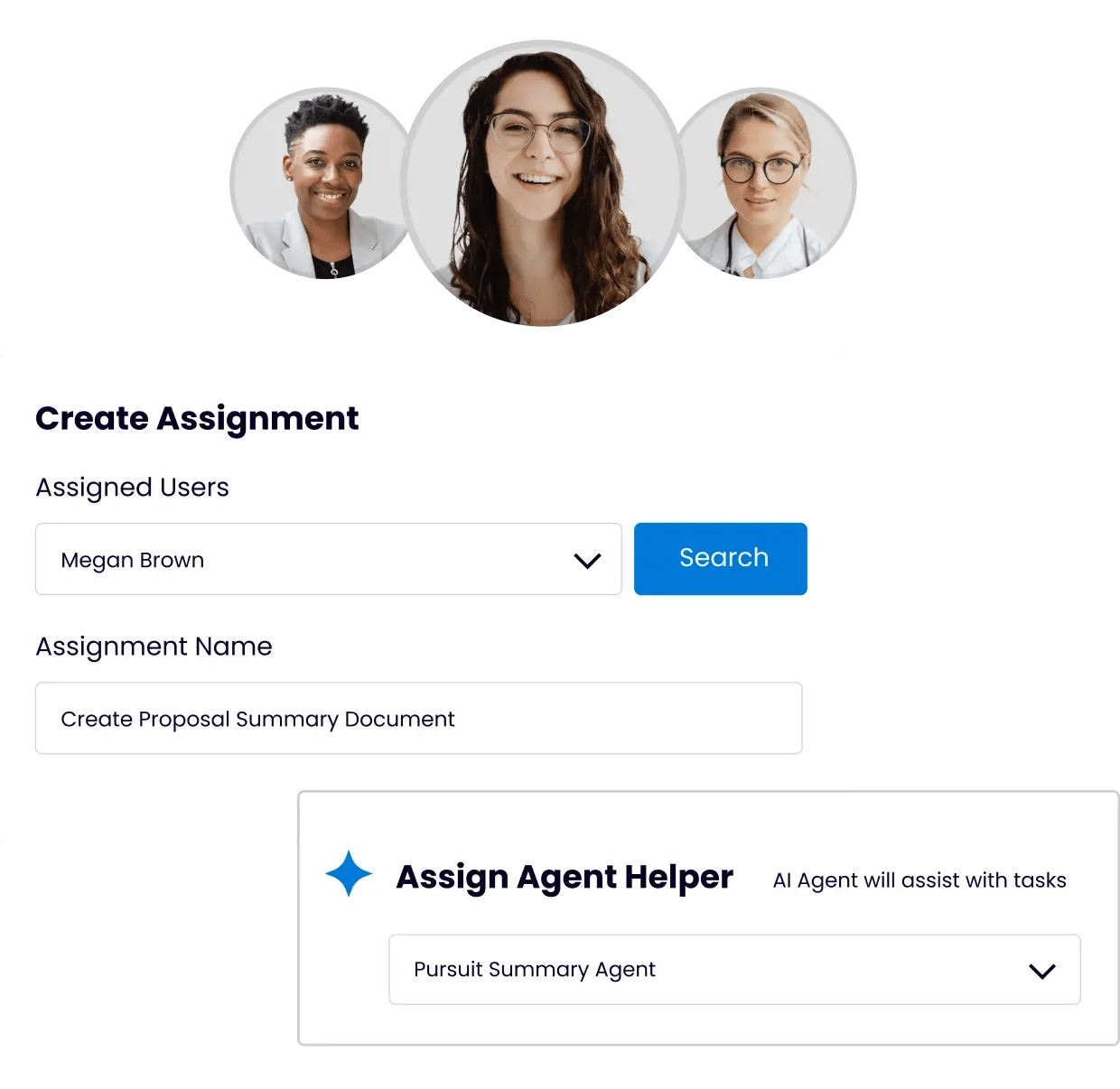
Microsoft 365 proposal collaboration workflow

Collaborate Without Chaos

Assign tasks, co-author in real time, and track every edit in one secure Microsoft 365 workspace so your team always works from the same version and stays perfectly aligned.
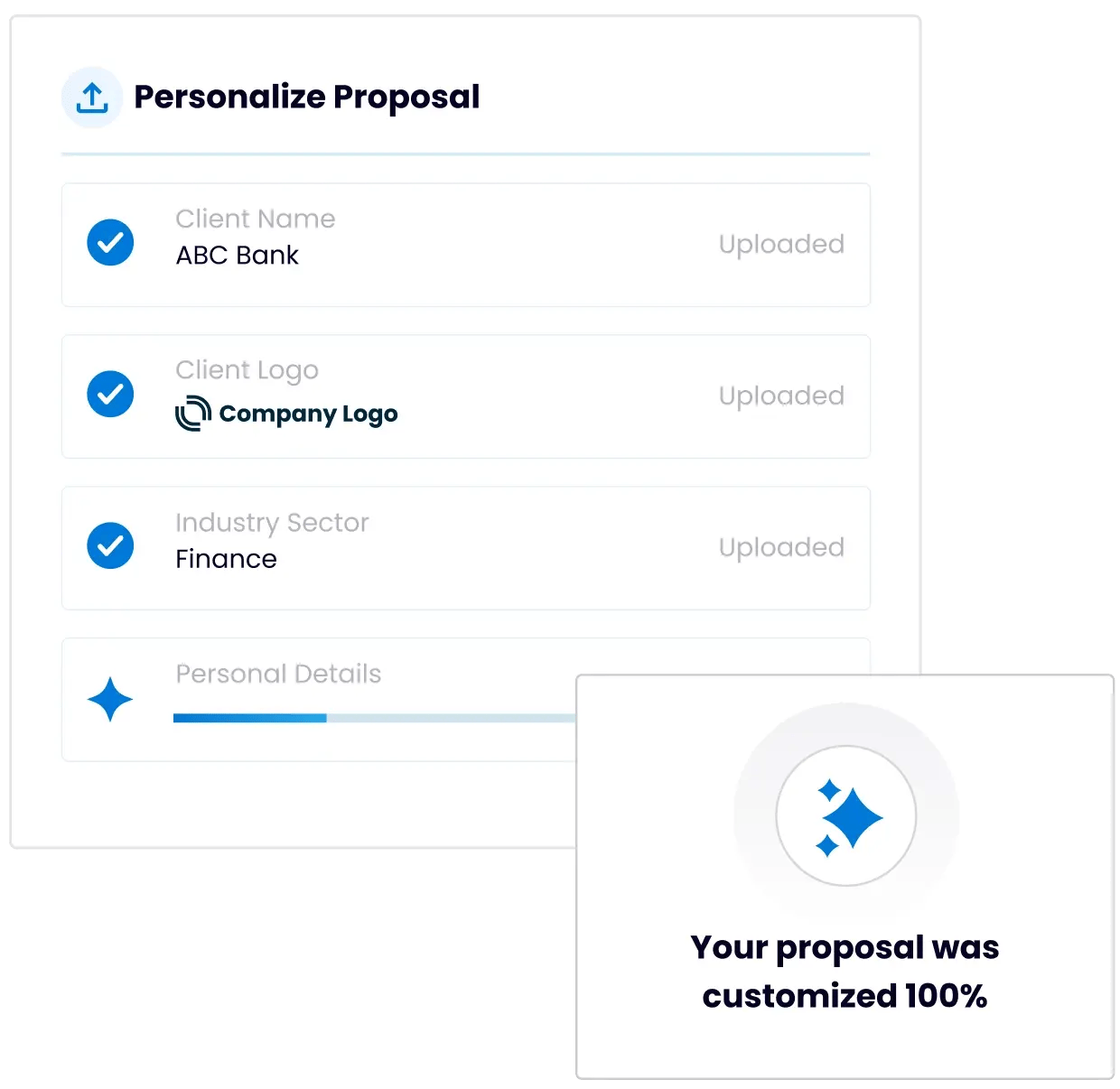
Personalize at Scale

Personalize at Scale

QorusDocs proposal software lets you quickly customize proposals with client-specific data, curated experience, and relevant project sheets, ensuring every response feels tailor-made.

Built-In Compliance & Security

Automated content checks and enterprise-grade security guard your IP, protect client data, and keep every document compliant.

Turning Proposals into Measurable Wins

"Using nearly the same resources, we’ve increased vetted proposal output by more than 60% and improved win rates by 11 percentage points since implementing QorusDocs."


Dr. Stephen Galati

Vice President, Strategic Proposals, TRC Companies
Stephen Galati

QorusDocs - Go Beyond the Basics of Copilot

Capability

Purpose-Built for Proposals and SOWs

Tailored for RFPs, SOWs, pitches, and business cases.
General-purpose AI.

Integration & Data Access

Native in Word, PowerPoint, Outlook, Teams; direct connection to CRMs, SharePoint, and approved content libraries.
Accesses M365 tenant data by default; external systems (e.g., CRM, proposal libraries) require IT-built connectors or integrations.

Content & Templates

Brand-approved library + proposal-ready layouts (bios, tombstones, grids).
Manual setup; limited template options.

Security & Governance

Azure-based, never trains public models, full version control.
Security based on tenant configuration; governance must be set up manually.

Personalization & Collaboration

QorusDocs automates content from past wins with workflows and assignments.
Generates generalized suggestions; no native pursuit workflow tools.

Win-Rate Optimization

Engagement tracking, bid/no-bid insights, and past-win guidance.
Not available.

Purpose-Built for Proposals and SOWs

Tailored for RFPs, SOWs, pitches, and business cases.

Integration & Data Access

Native in Word, PowerPoint, Outlook, Teams; direct connection to CRMs, SharePoint, and approved content libraries.

Content & Templates

Brand-approved library + proposal-ready layouts (bios, tombstones, grids).

Security & Governance

Azure-based, never trains public models, full version control.

Personalization & Collaboration

QorusDocs automates content from past wins with workflows and assignments.

Win-Rate Optimization

Engagement tracking, bid/no-bid insights, and past-win guidance.

Purpose-Built for Proposals and SOWs

General-purpose AI.

Integration & Data Access

Accesses M365 tenant data by default; external systems (e.g., CRM, proposal libraries) require IT-built connectors or integrations.

Content & Templates

Manual setup; limited template options.

Security & Governance

Security based on tenant configuration; governance must be set up manually.

Personalization & Collaboration

Generates generalized suggestions; no native pursuit workflow tools.

Win-Rate Optimization

Not available.

Ready to turn your expertise into stronger proposals?

See how QorusDocs helps your team transform approved content, client insights, and proven experience into polished, personalized proposals.

The QorusDocs Platform

The QorusDocs Platform – Value to Win

One platform. Every step from business case to proposal, powered by automation.

The QorusDocs Platform combines guided, ROI-driven business case creation with AI-powered, on-brand proposals and engagement insights, helping you prove value, present it persuasively, and win more deals.

FAQs: Proposals with QorusDocs

What is AI proposal software?

AI proposal software helps teams create personalized, client-ready proposals faster by automating the most time-consuming parts of the process. That includes pulling approved content from a library, generating first drafts, inserting bios and case studies, applying brand-approved formatting, and coordinating team input. QorusDocs goes beyond basic AI drafting by using intelligent agents that handle these tasks inside Microsoft 365, so the final output is a polished Word or PowerPoint document that is ready for the client without additional reformatting.

How is QorusDocs different from using Microsoft Copilot for proposals?

Copilot is a general-purpose AI assistant. QorusDocs is purpose-built for proposals. The difference shows up in practice. Copilot can help draft text inside Word, but it does not have access to your approved proposal content library, your past wins, your brand-approved layouts, or your firm's bios and case studies unless someone has manually built those connections. QorusDocs comes with all of that built in, along with pursuit workflows, bid/no-bid analysis, SME collaboration, engagement tracking, and win-rate optimization. For teams that respond to formal proposals at volume, Copilot is a writing assistant. QorusDocs is a proposal management platform.

What types of proposals does QorusDocs support?

QorusDocs supports the full range of client-facing pursuit documents that professional services teams produce. That includes engagement proposals, consulting proposals, RFP responses, statements of work, capability statements, fee proposals, and executive presentations. Templates and workflows are tailored by industry, so legal firms get pitch-ready formats, AEC firms get compatible layouts, and technology services teams get SOW and proposal support, rather than a generic document builder that requires significant customization.

How does QorusDocs handle proposal personalization at scale?

Intelligent agents pull client-specific data, curated experience, relevant project sheets, and approved messaging from your content library and insert them into the right places in the document automatically. Teams can customize further without starting from scratch. The result is proposals that feel tailored to each client without the hours of manual assembly that typically make personalization impractical at volume. 86% of QorusDocs users report improvement in personalization speed and accuracy after adoption.

How does collaboration work inside QorusDocs?

All collaboration happens inside Microsoft 365, which means teams work in the same environment they already use rather than switching to a separate platform. Tasks are assigned, versions are controlled, and SME input is tracked in one workspace. Agents automate handoffs and reminders so proposal managers spend less time chasing contributors and more time on the content that wins. For teams where proposals involve six to fifteen contributors across offices and time zones, this structure makes a measurable difference to both quality and on-time delivery.

How does QorusDocs protect proposal content and client data?

QorusDocs is built on Microsoft Azure OpenAI and is SOC 2 Type II and GDPR compliant. Your proposal content, client data, and IP stay inside your secure Microsoft 365 environment. Data is never used to train public AI models. Role-based permissions control who can view, edit, and publish content, and approval workflows ensure that only vetted, accurate content reaches clients. For professional services firms where proposals contain sensitive client information and commercially valuable IP, this governance architecture is a meaningful protection that general-purpose AI tools do not provide by default.

What results do teams typically see with QorusDocs?

72% of organizations complete proposals faster after adopting QorusDocs. 82% report higher quality proposals. TRC Companies increased vetted proposal output by more than 60% and improved win rates by 11 percentage points using nearly the same resources. Across SoftwareReviews' buyer research, 100% of QorusDocs customers say the platform is critical to their success and 100% plan to renew.

Ready to Win More Proposals, Starting Today?