What does QorusDocs do for sales teams?
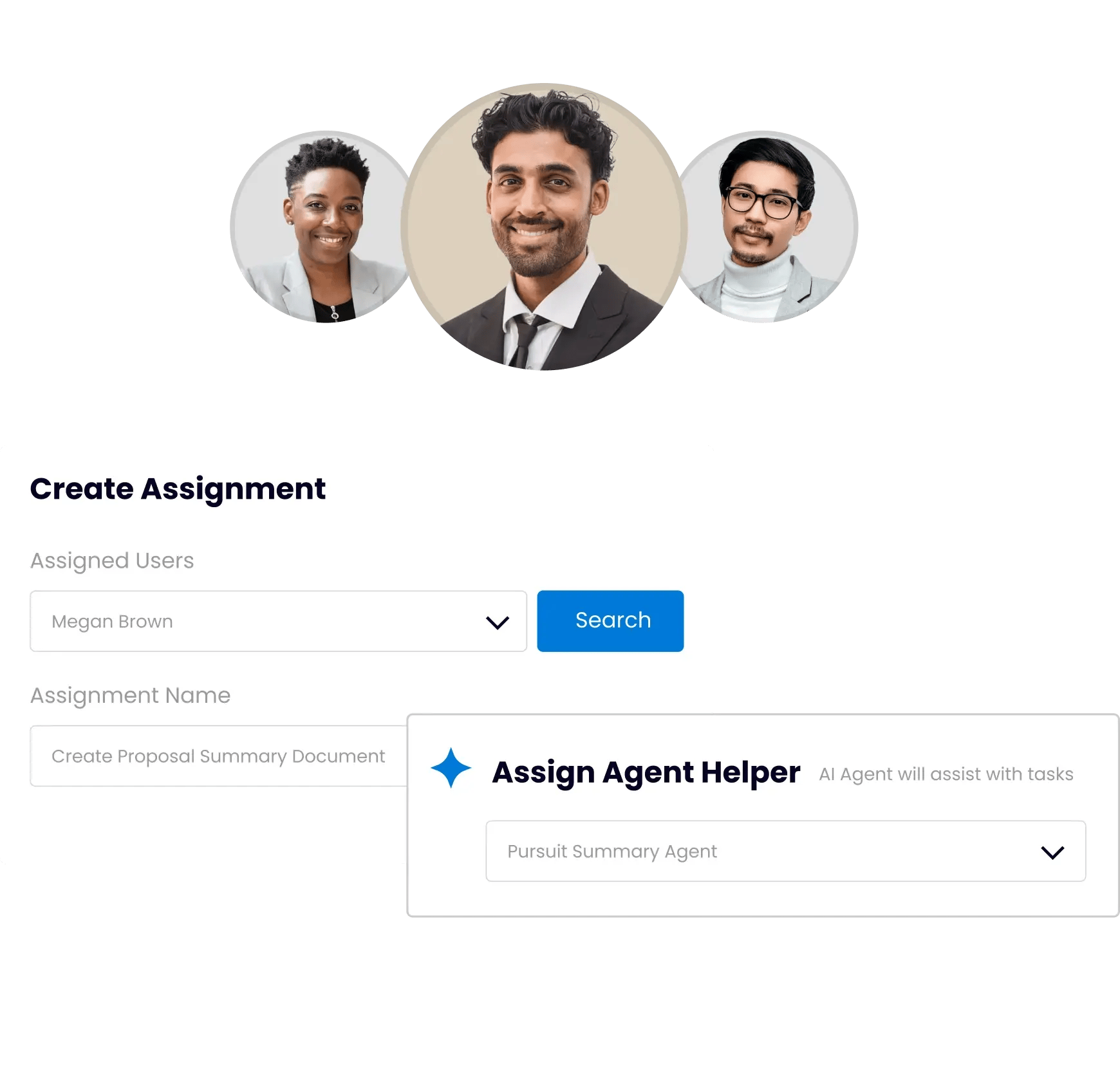
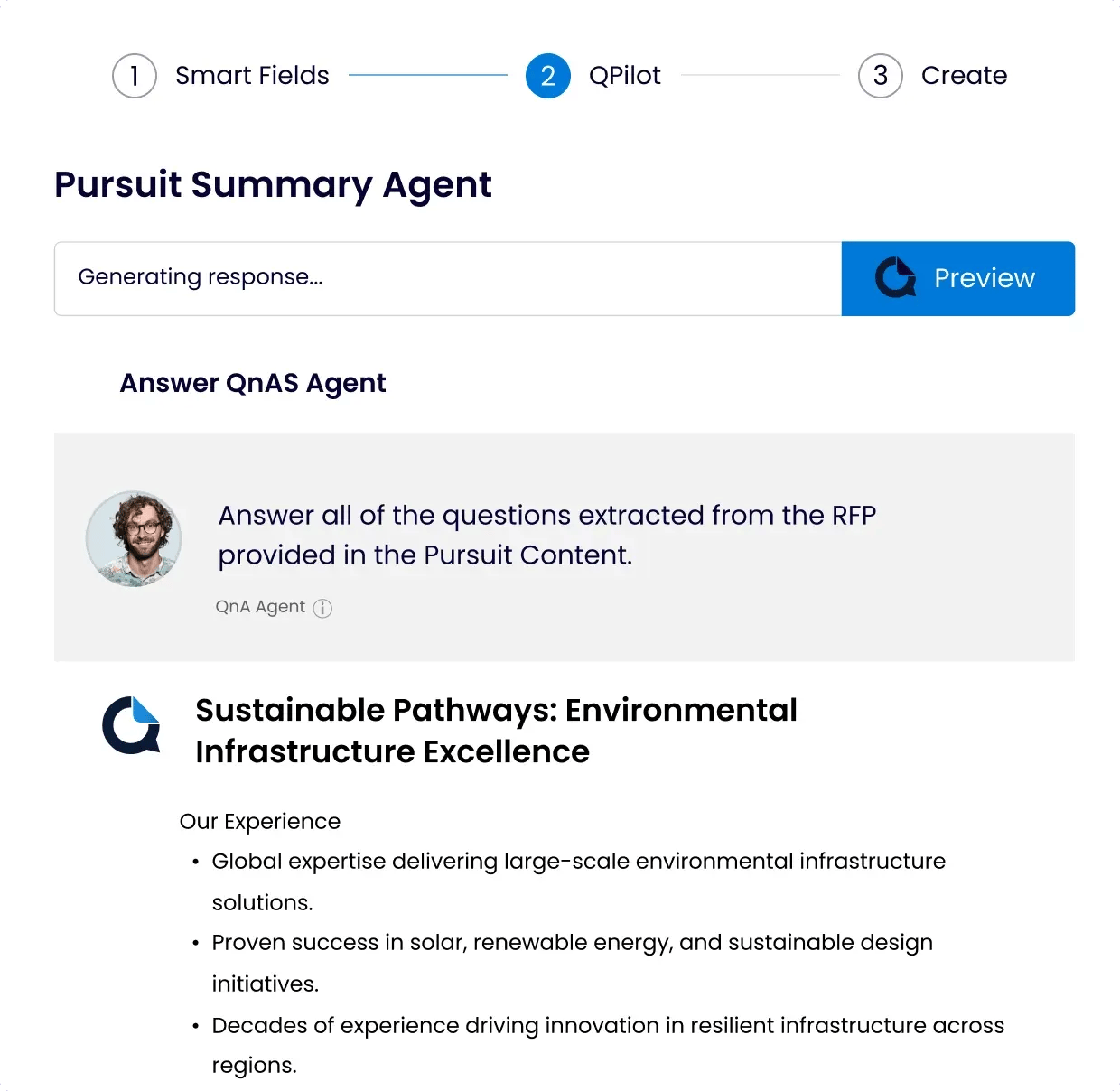
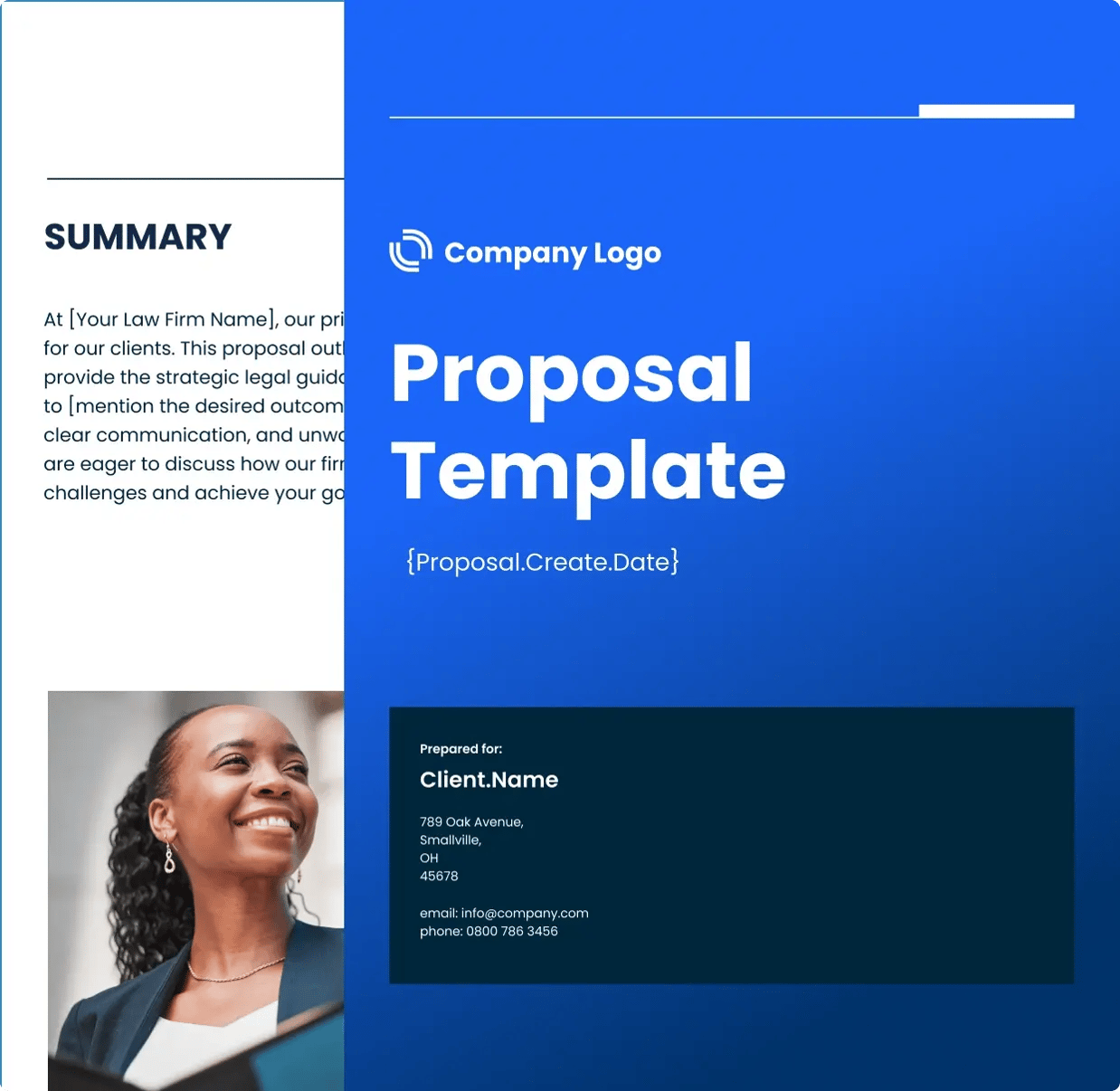
QorusDocs gives sales teams a faster, more credible way to go from opportunity to client-ready proposal. QPilot agents draft proposals, SOWs, and presentations automatically from your approved content library, so reps spend time in front of buyers rather than assembling documents. ROI calculators and business case frameworks are built directly into the proposal workflow, so value proof is embedded from the first draft rather than assembled separately before the meeting. The output is a polished Word or PowerPoint document inside Microsoft 365, integrated with Salesforce and Dynamics so opportunity context flows in without manual data entry.
How does QorusDocs help sales teams lead with value instead of just capability?
Most proposals describe what a product or service does. The ones that win connect that capability to what the buyer gains, in financial terms their executives can defend internally. QorusDocs addresses this directly by embedding ROI calculators and business case logic into the proposal process, so every proposal carries a quantified value narrative from first draft to final signature. For sales teams managing complex, multi-stakeholder deals where a CFO or procurement team needs to justify the investment, having that financial case built in is a meaningful competitive advantage over teams that bolt it on at the end or leave it to the buyer to figure out themselves.
How is QorusDocs different from using a general AI writing tool for proposals?
General AI tools can help draft text quickly. What they cannot do is pull your firm's approved case studies, pricing assumptions, service descriptions, and ROI data into a formatted, on-brand proposal that is ready to send. QorusDocs QPilot agents work from your governed content library, not the open internet, so every draft reflects accurate, approved messaging rather than plausible-sounding content that needs extensive verification. The output is a native Word or PowerPoint file, not a text block that needs formatting. And engagement analytics show how the buyer actually interacts with the proposal after delivery, giving sales teams intelligence that generic AI tools simply do not provide.
How does QorusDocs connect to CRM and keep proposal data in sync?
QorusDocs integrates natively with Salesforce and Dynamics, so opportunity details flow into the proposal automatically without reps copying data between systems. Proposal activity, engagement data, and submission status feed back into the CRM so sales leaders have visibility into where deals stand without chasing updates. For sales operations teams, this connection means proposal work is part of the pipeline picture rather than a separate process that creates reporting gaps.
How does QorusDocs help sales teams personalize proposals at scale?
The gap between a generic proposal and a personalized one is usually not ambition, it is time. QPilot agents close that gap by automatically surfacing the most relevant case studies, credentials, and proof points for each opportunity and inserting them into the right sections of the proposal. Agents adapt tone and messaging to align with each client's industry, role, and stated priorities. Sales reps customize further without starting from scratch. The result is proposals that feel genuinely tailored to each buyer without the hours of manual work that make personalization impractical when reps are managing multiple active opportunities simultaneously.
How does QorusDocs help sales teams understand what is working after proposals are sent?
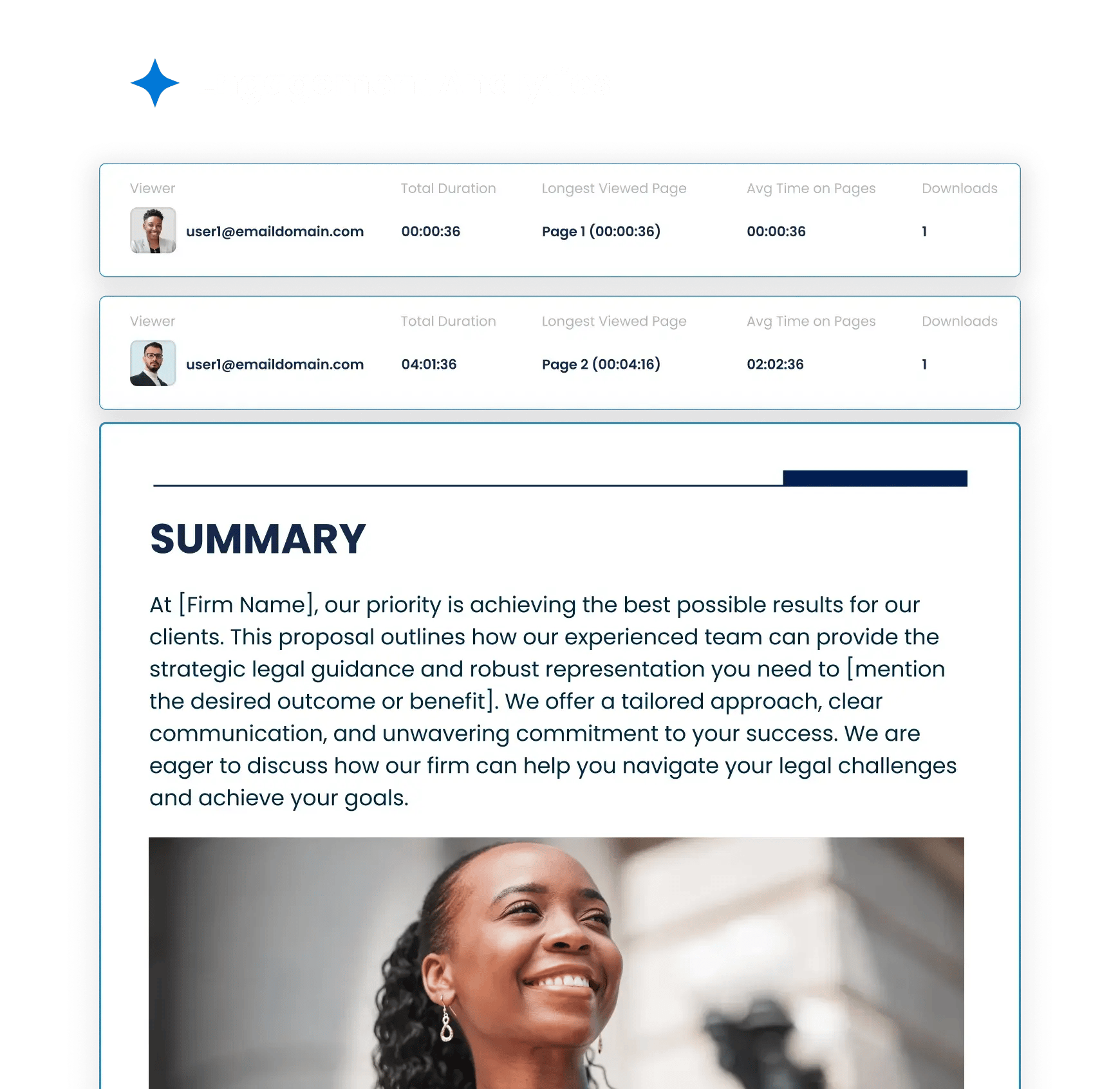
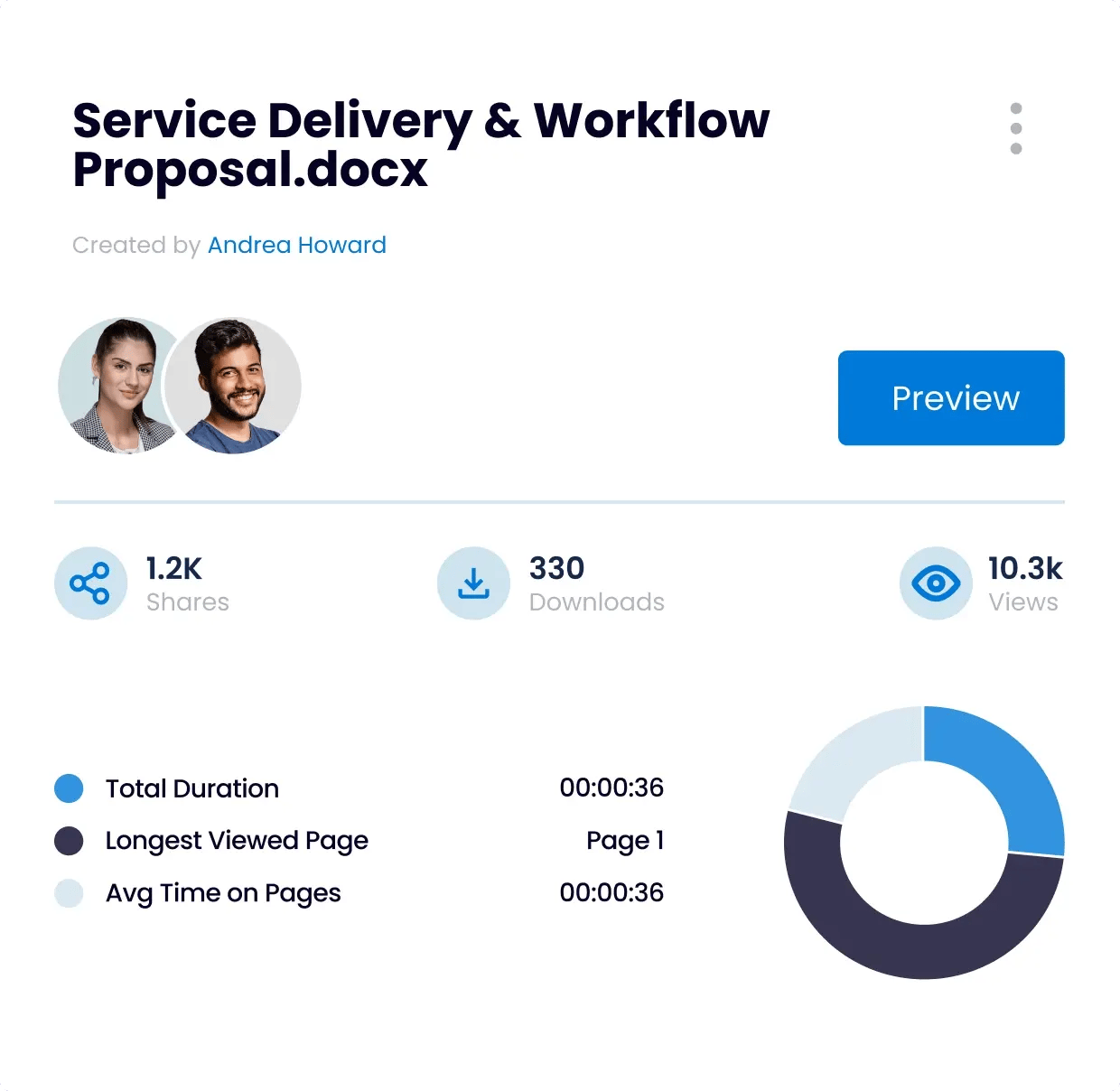
Sending a proposal and waiting is one of the most opaque parts of the sales process. QorusDocs engagement analytics change that by showing exactly how buyers interact with proposals after delivery, which sections they read, how long they spend on each page, what they share internally, and which links they click. Sales teams use that visibility to time follow-up precisely, focus conversations on the content that resonated, and identify where deals may be stalling before they go quiet. Over time, that data reveals which content, value narratives, and proof points consistently drive outcomes, so every future proposal benefits from what past ones learned.
How does QorusDocs support the full sales cycle, not just the proposal stage?
QorusDocs supports the revenue conversation from early value proof through to signed agreement. Business case frameworks help sales teams quantify ROI during discovery and executive conversations, before a formal proposal is ever requested. Proposal and pitch automation then carry that value story forward into the formal pursuit documents. Post-send engagement analytics inform follow-up strategy and next steps. For sales leaders managing complex deals with long cycles and multiple decision-makers, having a single platform that connects the value conversation to the proposal delivery to the buyer engagement data removes a significant amount of friction from the process.
What results do sales teams typically see with QorusDocs?
Teams using QorusDocs report 72% faster proposal turnaround, a 67% positive impact on deal velocity, and a 60% boost in proposal team productivity. Long View Systems increased productivity to the point where they did not need to add resources despite growing their proposal output, and improved win rates at the same time. 100% of QorusDocs customers in the SoftwareReviews buyer research say the platform is critical to their success, and 95% would recommend it. For sales leaders, those numbers reflect what happens when proposals stop being a bottleneck and become a repeatable lever for closing more business.